

Checkersland extension.
Content
Short software description and download section.
The extension is an archive, that shows many features and additional functionality of the Checkersland PC program. The extension works on all supported Operation Systems and contains the next: three external look and feels, internationalization files, PDN files and an example of skin creation.
Software information:
- Version: 2020.11.12
Download: extension.zip
Look and feels.
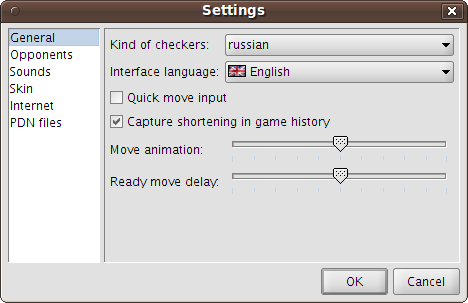
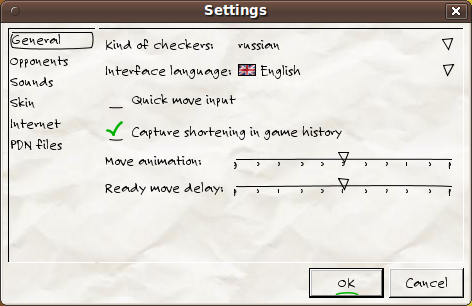
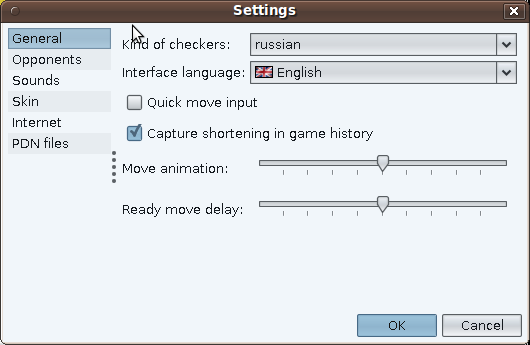
There are a lot of look and feels (LaF later) for programs written in java. The lafs directory contains the most known three LaFs: jgoodies, napkin and substance. If you run a command file with the bat extension (on Windows) or with the sh extension (for other Operation Systems), you will see the Checkersland program with a new interface style.
LaF: jgoodies
LaF: napkin
LaF: substance
Interface of the program translation.
After every start the program searchs in the languages directory for files with new languages and loads them. Name of files should be like i18n_XX.properties (here XX is a two chars language code). A file content should be in utf-8 encoding. All successfully downloaded languages will be added into the language list of the settings window. The easiest way to create new translation is to clone and change the i18n_en.properties file, that can be found in extension.
Board skins.
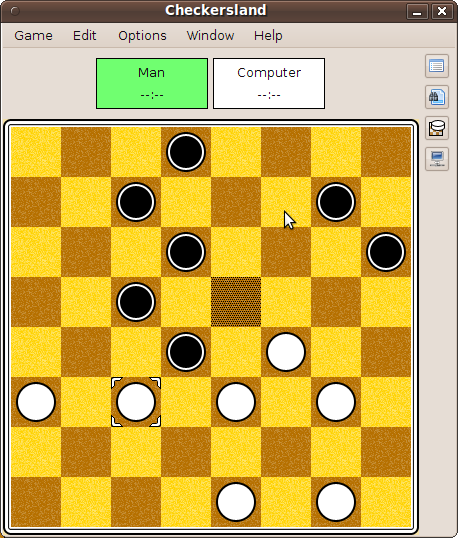
After every start the Checkersland program loads skins from the skins directory. Every skin should be in a separated directory and consist of a set of images and the skin.ini file with additional settings. Extension contains a skin example with detail information. After loading all loaded skins are available in the list of skin types.
Skin: example
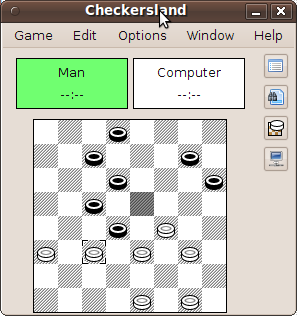
Skin: web
PDN format.
PDN (Portable Draughts Notation) is the most popular format for storing games in text files. It allows to keep a lot of games in a single file. Moreover every game may contain many additional information: players' names, the name of tournament, the place and date of the game etc. The details of this format are available here: http://en.wikipedia.org/wiki/Portable_Draughts_Notation.
The Checkersland program allows to watch a loaded PDN file as a list of games and edit it. Some games in the games list can be highlighted: red - game data is incomplete (e.g. kind of checkers is absent) or game history is invalid, blue - game data was changed and therefore will be modified while saving.
There is special view mode of round-robin tournaments. The program can restore crosstable of tournament and paints it in initial state. An example with such tournaments is available in the pdn/towers/SPb_open.pdn file of extension. The program allows to load any game from the list or from the crosstable, watch it, edit and store changings.
There are many programs that support PDN format. Also there are huge number of PDN files for different kind of checkers. Usually, such files don't contain information about destination kind of checkers. In this case all games will be highlighted by red color after file loading. To avoid this you should set a default kind of checkers for PDN files (Options > Settings > PDN files > Game type). This setting doesn't affect storing of PND files, and kind of checkers is always stored.